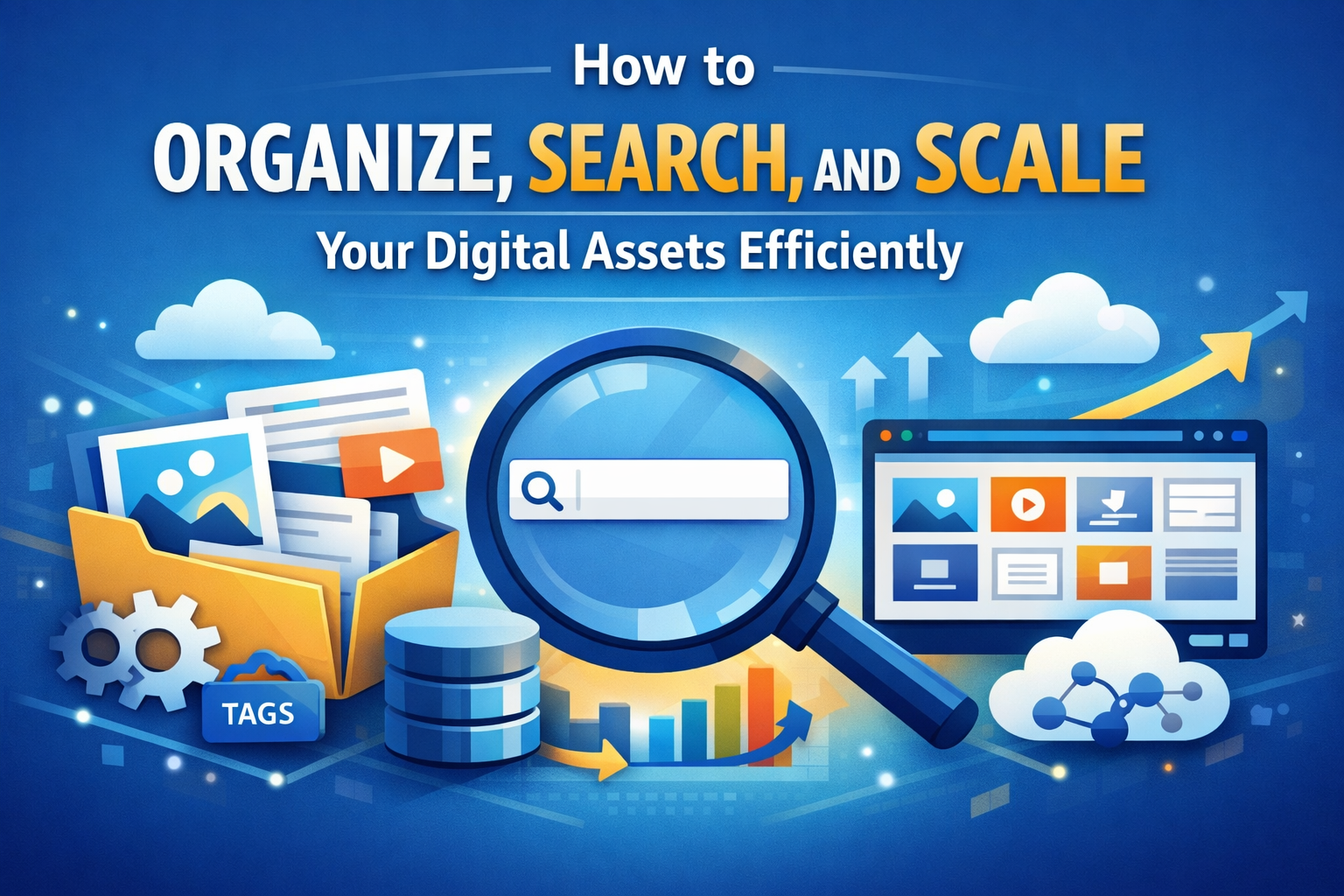
How to Organize, Search, and Scale Your Digital Assets Efficiently
In today’s digital-first world, businesses and individuals generate an overwhelming volume of digital assets—images, videos, documents, presentations, and more. Without a structured approach, these assets quickly become scattered, duplicated, and difficult to retrieve. The result? Lost productivity, inconsistent branding, and missed opportunities.
Whether you're a growing startup or an established organization, building an efficient system to organize, search, and scale your digital assets is essential. Here’s how to do it right.
1. Start with a Clear Organizational Structure
A strong foundation begins with a logical and consistent folder structure. Avoid random or overly complex hierarchies—simplicity wins.
Best practices:
✦ Use descriptive folder names
✦ Organize by category, project, or department
✦ Maintain a standard naming convention across teams
Consistency ensures everyone knows exactly where to find and store files.
2. Implement Smart File Naming Conventions
A file name should tell you what the asset is without opening it.
Tips:
✦ Use a consistent format across all files
✦ Avoid spaces; use underscores or hyphens
✦ Include version numbers to prevent confusion
✦ Keep names concise but meaningful
3. Use Metadata and Tagging for Faster Search
Folders alone aren’t enough—especially as your library grows. Metadata and tags make assets searchable in seconds.
Key metadata fields to use:
✦ Keywords
✦ File type
✦ Creator or department
✦ Usage rights or expiration dates
With proper tagging, you can quickly locate files without digging through folders.
4. Centralize Assets with a Digital Asset Management (DAM) System
Storing files across multiple drives, emails, and desktops leads to chaos. A centralized system brings everything together.
Benefits of a DAM system:
✦ Single source of truth
✦ Advanced search and filtering
✦ Version control
✦ Access permissions for teams
✦ Easy sharing and collaboration
This becomes especially critical as your asset library scales.
5. Establish Version Control and Governance
Without proper control, teams may use outdated or incorrect assets, leading to inconsistencies.
Set clear rules:
✦ Maintain a single approved version
✦ Archive outdated files instead of deleting them
✦ Assign ownership for asset updates
6. Optimize for Searchability
Even with great organization, search functionality is what truly saves time.
Improve search efficiency by:
✦ Using consistent keywords and tags
✦ Avoiding duplicate or redundant files
✦ Adding descriptions to important assets
Think of your digital asset library like a search engine—the better the input, the better the results.
7. Plan for Scalability from Day One
What works for a small number of files won’t work as your collection grows. Build a system that evolves with your needs.
Scalability tips:
✦ Avoid overly deep folder nesting
✦ Automate tagging where possible
✦ Regularly audit and clean up unused assets
✦ Use cloud-based solutions for flexibility
Scaling isn’t just about storage—it’s about maintaining efficiency as complexity increases.
8. Automate Where Possible
Manual processes slow teams down and increase the risk of errors.
Automation ideas:
✦ Auto-tagging using AI tools
✦ Workflow approvals for new assets
✦ Scheduled backups and archiving
Automation frees your team to focus on more strategic work.
9. Train Your Team and Maintain Consistency
Even the best system fails without proper adoption.
Ensure success by:
✦ Creating clear guidelines and documentation
✦ Training team members regularly
✦ Monitoring usage and compliance
Consistency across users is what keeps your system efficient long-term.
10. Regularly Audit and Clean Your Library
Digital clutter builds up quickly. Schedule periodic reviews to keep your system lean.
During audits:
✦ Remove duplicates
✦ Archive outdated assets
✦ Update tags and metadata
✦ Identify gaps or missing files
A clean library is a fast and reliable library.
Final Thoughts
Efficient digital asset management isn’t just about storage—it’s about accessibility, scalability, and control. By implementing a structured system, leveraging metadata, and adopting the right tools, you can transform your digital chaos into a streamlined, high-performing asset library.
The payoff? Faster workflows, better collaboration, and a stronger, more consistent brand presence.